Laraue Boards uses your existing Telegram account as your identity. There is no separate registration, no password to remember, and no email to verify.
Two ways to open Laraue Boards
As a Telegram Mini App
Search for @msgboard_bot in Telegram and tap Start. The Mini App opens inside Telegram — you are instantly logged in using your Telegram identity. No widget, no redirect, no extra steps.

This is the recommended way to use Laraue Boards on mobile.
In the browser
Open boards.laraue.com in any browser. You will see the login screen with a Log in with Telegram button. Clicking it opens a Telegram authorization popup — approve it and you are redirected back to the app.
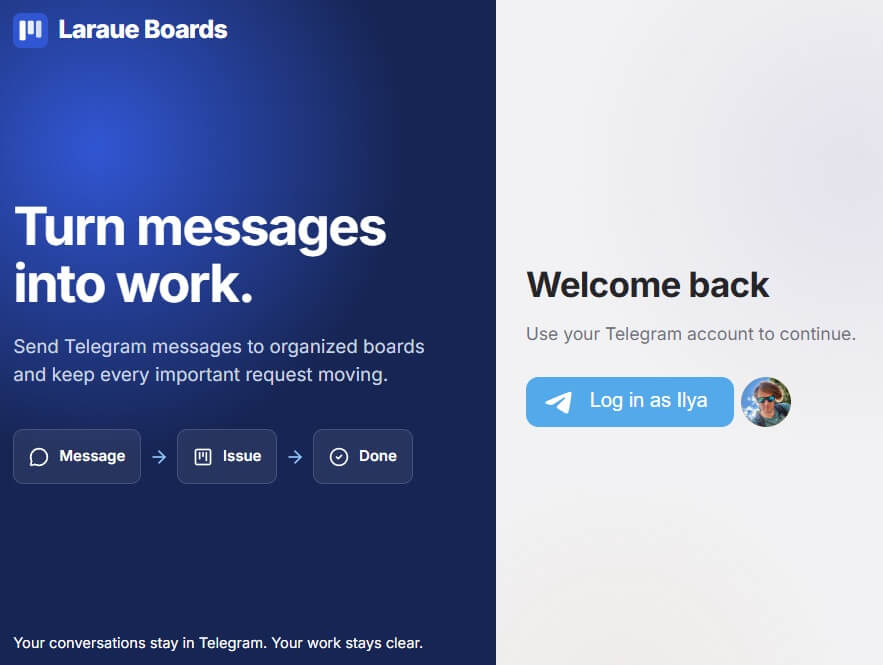
The browser version requires that your Telegram account is accessible on the same device, or via the Telegram web client.
What data is used
When you log in, Laraue Boards receives your Telegram user ID, first name, last name (if set), username (if set), and profile photo URL. No messages are read — only your identity is used for authentication.
The login is verified server-side using a cryptographic hash signed with the bot token, so the data cannot be forged.
Switching accounts
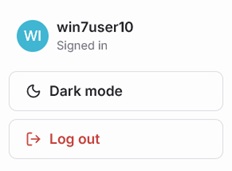
Laraue Boards does not support multiple simultaneous Telegram accounts. To switch accounts, log out and log in again with a different Telegram account.
After login: choosing an organization
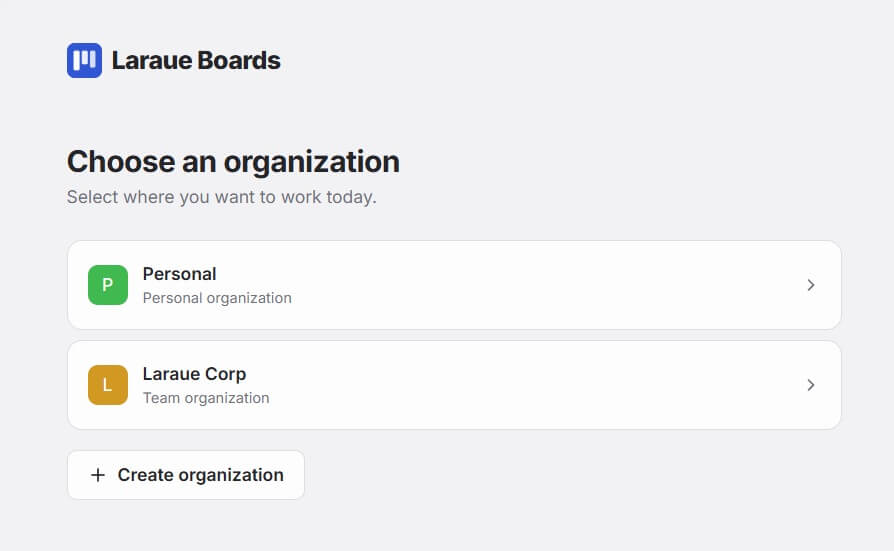
The first time you log in, you land on a screen listing every organization you belong to, including Personal — your own private organization, set up for you automatically. Tap one to open it, or tap + Create organization to start a new one.
You can switch organizations at any time from the dropdown at the top of the sidebar, without logging out. It shows the same list you saw right after logging in.