Every issue has its own comments, separate from the original message it was created from.
Adding a comment
Open the issue and use the Comments tab. Comments support image attachments — paste an image directly with Ctrl+V, or choose a file to upload.
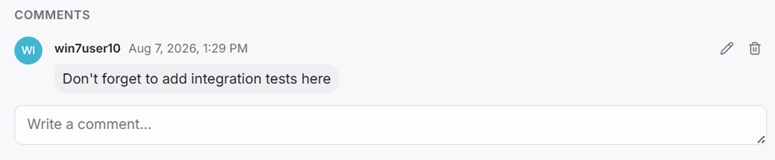
Editing and deleting a comment
Only the person who wrote a comment can edit or delete it — the edit and delete icons only appear on your own comments.
Comments vs the original message
The original Telegram message is the issue's content — editing it in Telegram updates the issue itself. Comments are a separate thread on top of that, for discussion that doesn't belong in the issue's content.