An issue is the core unit of work in Laraue Boards. Every task, request, bug report, or action item is an issue. What makes Laraue Boards different is where issues come from: most of them start as Telegram messages.
What an issue contains
Every issue has:
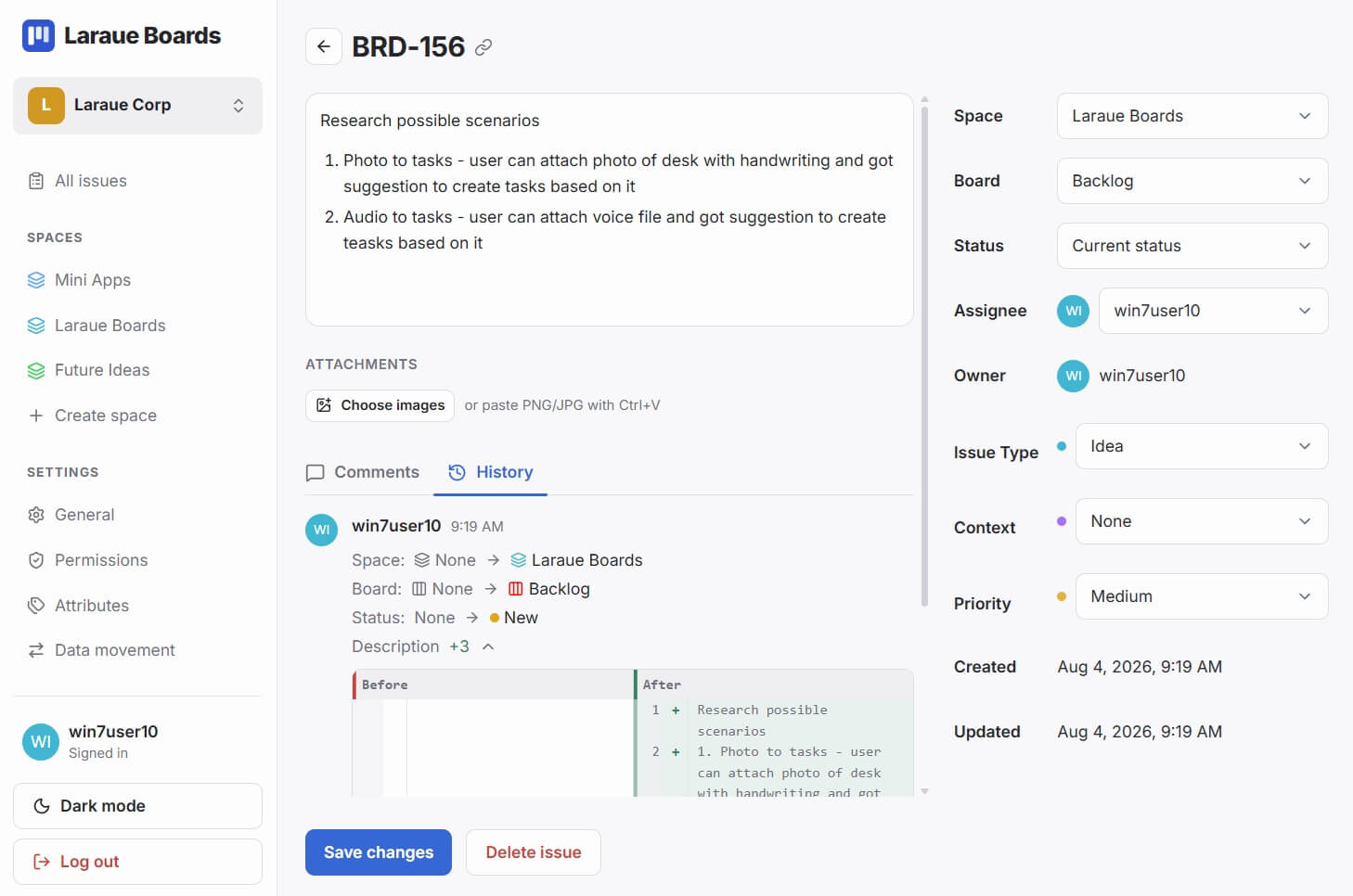
- Content — the text of the message, or manually entered text
- Sender — who sent the original Telegram message
- Status — which column on the board it currently sits in
-
Issue key — a unique identifier like
WRK-42 - Assignee — who the issue is assigned to
- Attributes — any custom fields you have defined for the board
- Media — attached photos, videos, or albums from the original message
Issue keys
Every issue receives a key based on its space, not its board: three letters from the space name, followed by a number that is sequential within that space — for example WRK-1, WRK-2, MOB-14. Moving an issue to a different board inside the same space does not change its key. Only moving it to a different space would.
Issue keys let you reference tasks in conversation. Write "see WRK-42" in a Telegram message and everyone on the team knows exactly which task you mean, without needing to share a link.
Every issue also has a direct link, built from its organization and its key:
https://boards.laraue.com/organizations/{OrgKey}/issues/{IssueKey}There's a link icon right next to the key on the issue itself — tap it to copy this link without typing it out.
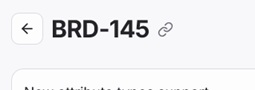
Share the link when you want to take someone straight to the issue, rather than just naming it.
Creating issues
From a Telegram message — forward any message to the Laraue Boards bot, or send it directly in a chat you've linked to Boards. Unless the chat is linked to a specific destination, the issue lands on the default board in your personal organization's Backlog, and the bot reacts with 👍 to confirm.
Linking a chat — a group, a supergroup, or even your own private chat with the bot — points it at a specific organization, space, epic, and status instead, with a choice of saving every message automatically or only the ones you save yourself with /save. See Linking a Telegram chat to Boards.
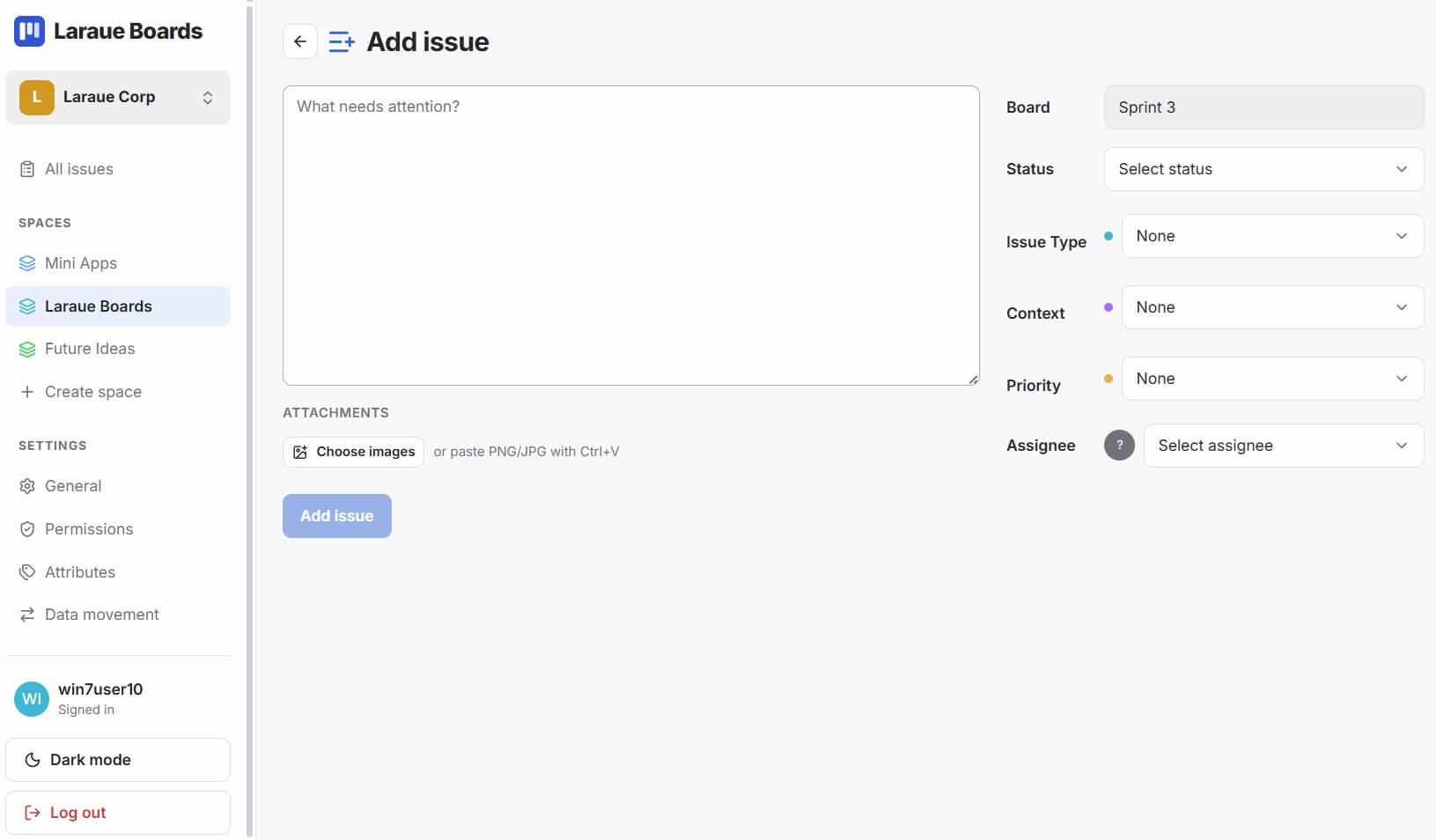
Manually — tap + Add issue. It's available from anywhere in the app, not just from inside a board. Open it from a board and the space and board are already filled in for you; open it from the organization level and every field starts empty, so you choose the space, board, and status yourself.
Moving an issue to a different board
New issues from the bot land on the default board so saving stays effortless — you never have to pick a board before sending a message, unless the chat is linked to a different destination. If you want an issue somewhere else, open the Backlog, find the issue in the list, and change its board directly from the issue's detail view.
Moving an issue between boards within the same space keeps its issue key. Moving it to a different space gives it a new key, since keys are numbered per space — any link or quoted key already shared for that issue will point at the old one and stop working.
Moving an issue between statuses
Drag the card from one column to another. The issue key stays the same — moving between columns does not change the key, only the status.
Media in issues
If the original Telegram message contained photos, videos, or an album, they are preserved in the issue. Files are not stored separately — they are fetched from Telegram when you open them, in their original quality. There are no thumbnails on the board card — attachments are visible on the issue's detail page, where tapping one opens the full image.
Editing an issue
If you edit the original message in Telegram, the issue updates with it. The bot's reaction changes to ❤ to confirm the edit was picked up.
Comments
Every issue has its own comments, separate from the original message. Open the issue and use the Comments tab to discuss it with your team.
Comments support image attachments — paste an image directly with Ctrl+V, or choose a file to upload.
Change history
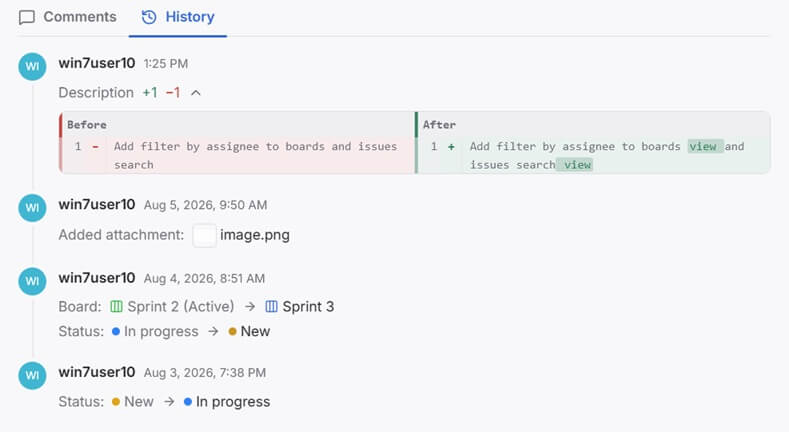
The History tab on an issue shows what changed, when, and who changed it — as a plain, readable log, not raw data. A status change reads as Status: New → In progress, a move to a different board as Board: Sprint 2 (Active) → Sprint 3, and a new attachment as Added attachment: image.png. It covers changes to the issue's content, status, board, comments, and attachments.