Laraue Boards works just as well for one person as it does for a team. Your personal organization is private by default — no invites, nothing to configure, and it already exists the moment you log in.
Your personal organization
When you log in, you land on the organization selection screen and can choose Personal — your own private organization. Everything you create here — boards, spaces, issues — is visible only to you.
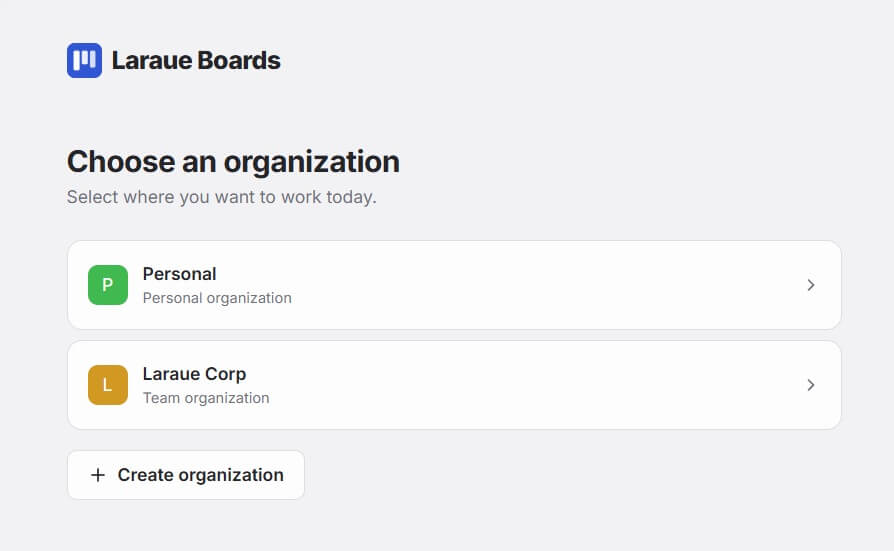
You can always create a team organization later and move boards into it. Personal boards stay personal unless you explicitly move them.
The typical solo workflow
- Messages arrive in Telegram — a client sends a request, a colleague flags a bug, you receive a task in a group chat
- Forward to the bot — forward the message to @msgboard_bot. It becomes an issue on your default board immediately, no setup required
- Move it when you're ready — open the issue whenever you get to it and change its board or status, if you want it somewhere other than the default
- Work the board — drag cards through columns as you progress through the work
- Done — cards in your Done column are out of the way but still searchable
Keeping boards small
A common mistake is creating one large board for everything. Instead, create separate boards for each distinct area of work:
- One board per client
- One board per project
- One board for personal life tasks separate from work
Use spaces to group related boards together once you have more than four or five.
Working offline
Laraue Boards requires an internet connection to sync with Telegram and load your boards. There is no offline mode currently.